Install and set a key
Open Plugins → Manage and Install Plugins, search for Easting, and install. QGIS 3.28 or later, on Windows, macOS or Linux. One build serves both QGIS 3 and QGIS 4.
The toolbar gains three actions: Extract deed…, Extract folder… and Settings….
The key
Section titled “The key”Open Easting → Settings….
If you already have a key, paste it into the top field. Leave the API URL alone unless Easting gave you a different endpoint.
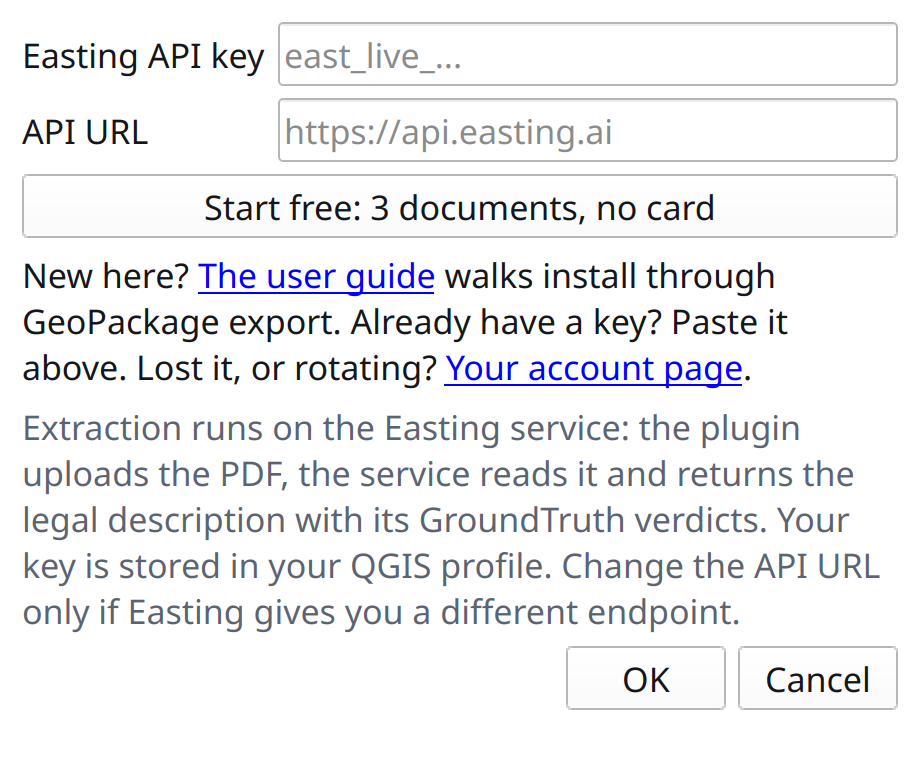
Start free, without leaving QGIS
Section titled “Start free, without leaving QGIS”No key yet? Start free opens a short form, and the three documents it grants never expire.
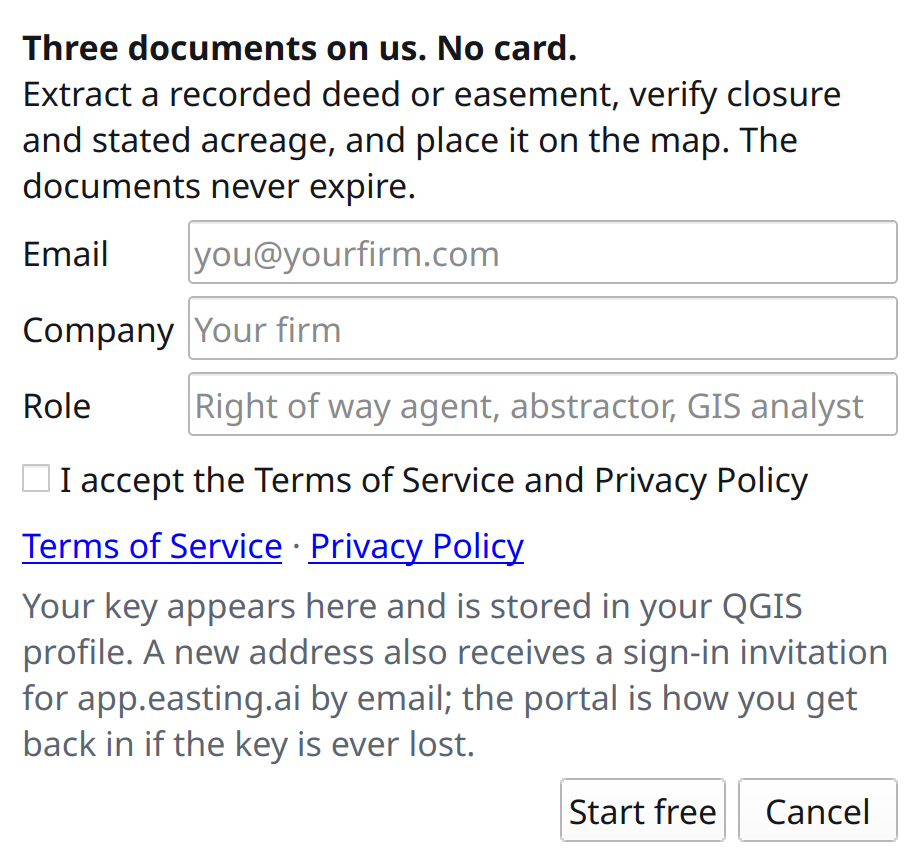
Email, company and role, plus accepting the terms. No card. Press Start free and the key is written into your QGIS profile, so the next thing you do is extract a deed rather than hunt through a browser for a key. That same address also gets a sign-in invitation for app.easting.ai, which is how you get back in if the key is ever lost.
Then press OK on the settings dialog to save.
The key lives in your QGIS profile and never leaves it except to authenticate a request.